
SiteLang Guide
Best WordPress Translation Plugins: Free and Paid Compared
Choose your toolkit
Compare translation workflows, free features, AI costs, and store requirements before committing to a multilingual plugin.
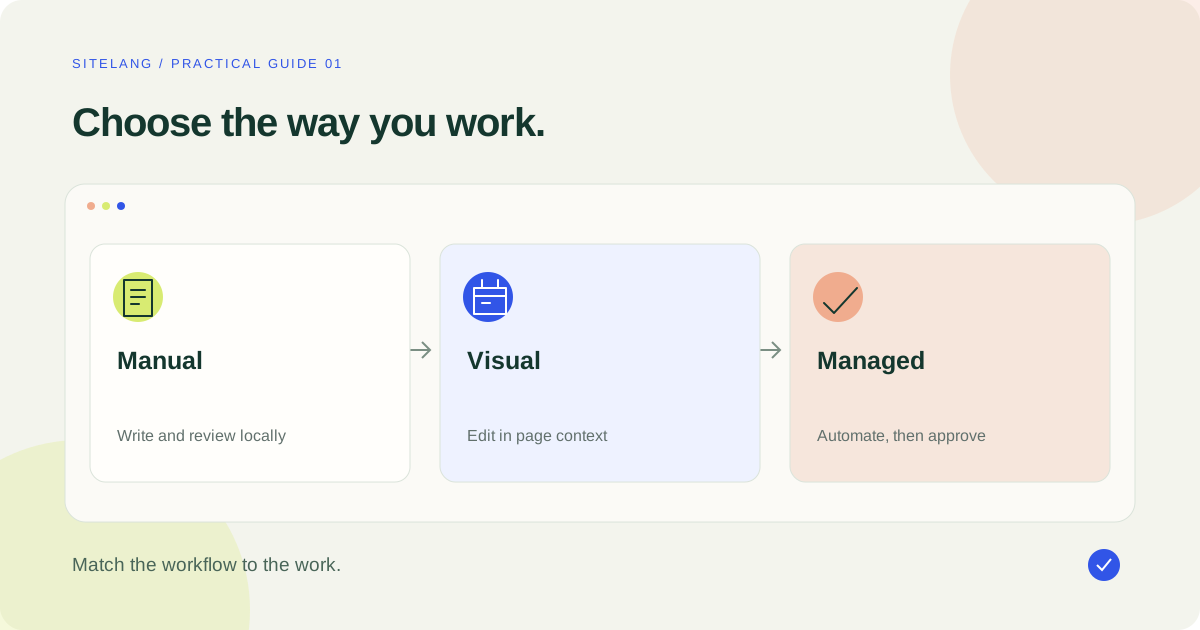
The best plugin is the one that fits the content you need to translate and the way you want to manage it. Compare a manual WordPress workflow, a visual editor, and a hosted translation service separately; their free versions, ongoing costs, and SEO capabilities are not interchangeable.
- Choose by workflow and content coverage, not language count alone.
- Compare the actual billed period, paid add-ons, and AI usage costs.
- Test representative pages and the entire purchase journey before switching.
Start with the job your plugin needs to do
The best WordPress translation plugins solve different problems. A bilingual consultant may need five carefully edited pages. A store may need thousands of product descriptions, variation labels, and a reliable checkout experience. A publishing team may care most about review roles and the way source changes are tracked. Start with the job, then shortlist the software.
Write down your source language, target languages, essential content types, and the people responsible for approval. Include reusable headers, forms, search results, and account pages where applicable. A language dropdown can look complete while important customer-facing text remains untranslated.
This guide is published by SiteLang. It compares documented workflows and vendor information checked on 25 October 2026; it is not a hands-on speed benchmark or an independent ranking. Recommendations below are editorial judgments about fit. Prices and product boundaries can change, so confirm them with the linked vendor before purchasing.
| Your priority | Start by evaluating | The decisive check |
|---|---|---|
| Manual work inside WordPress | SiteLang and Polylang | Can editors manage every essential content type? |
| Editing translated text on a rendered page | TranslatePress | Can the visual editor reach your dynamic content? |
| A managed multilingual team workflow | WPML CMS or Agency | Does the chosen tier cover builders and ecommerce? |
| A hosted translation workflow | Weglot or paid GTranslate | What happens at your projected usage and on cancellation? |
| One plugin or theme label | Loco Translate | Is the text actually a localizable software string? |
Compare free access and the real purchase price
A free plugin is useful only if its free capabilities cover your requirement. Compare the language model, supported content, editing access, and language-specific URLs. A free visitor translation widget should not be evaluated as though it were the same product as a paid service that publishes indexable language versions.
| Product | Free starting point | Paid reference | Budget consideration |
|---|---|---|---|
| SiteLang | Included local tools without plan quotas | Growth/Pro managed AI; inspect the current service catalog | Separate local functionality from an AI allowance |
| WPML | No free tier listed | Blog €39; CMS €99; Agency €199, with one year of support and updates | Blog omits builder, ecommerce, and advanced translation tools |
| TranslatePress | Free plugin available | Personal €99/year, billed annually | Advanced language/SEO requirements may need premium features |
| Polylang | Free core plugin | Pro from €99/year; WooCommerce add-on from €99/year, excluding VAT | The store add-on is a separate purchase |
| Weglot | Limited free offering shown; check trial conditions | Starter €15/month or €150/year, excluding VAT | Starter lists 10,000 total translated words and one translated language |
| GTranslate | Free plugin/widget route | Consult the current plan selector | Inspect the paid language-URL and editing package separately |
Sources: SiteLang’s directory listing, WPML pricing, TranslatePress pricing, Polylang pricing, Weglot pricing, and GTranslate’s product page. These are different currencies, terms, and feature bundles, not a normalized total-cost ranking. Check taxes and renewal terms at the relevant checkout.
For an annual plan, show the annual bill in your budget even when a vendor advertises a monthly equivalent. Add expected translation usage, reviewer time, extra sites, and required add-ons. Avoid comparing an introductory promotion with another vendor’s renewal price as though both applied indefinitely.
SiteLang: local tools with optional managed AI
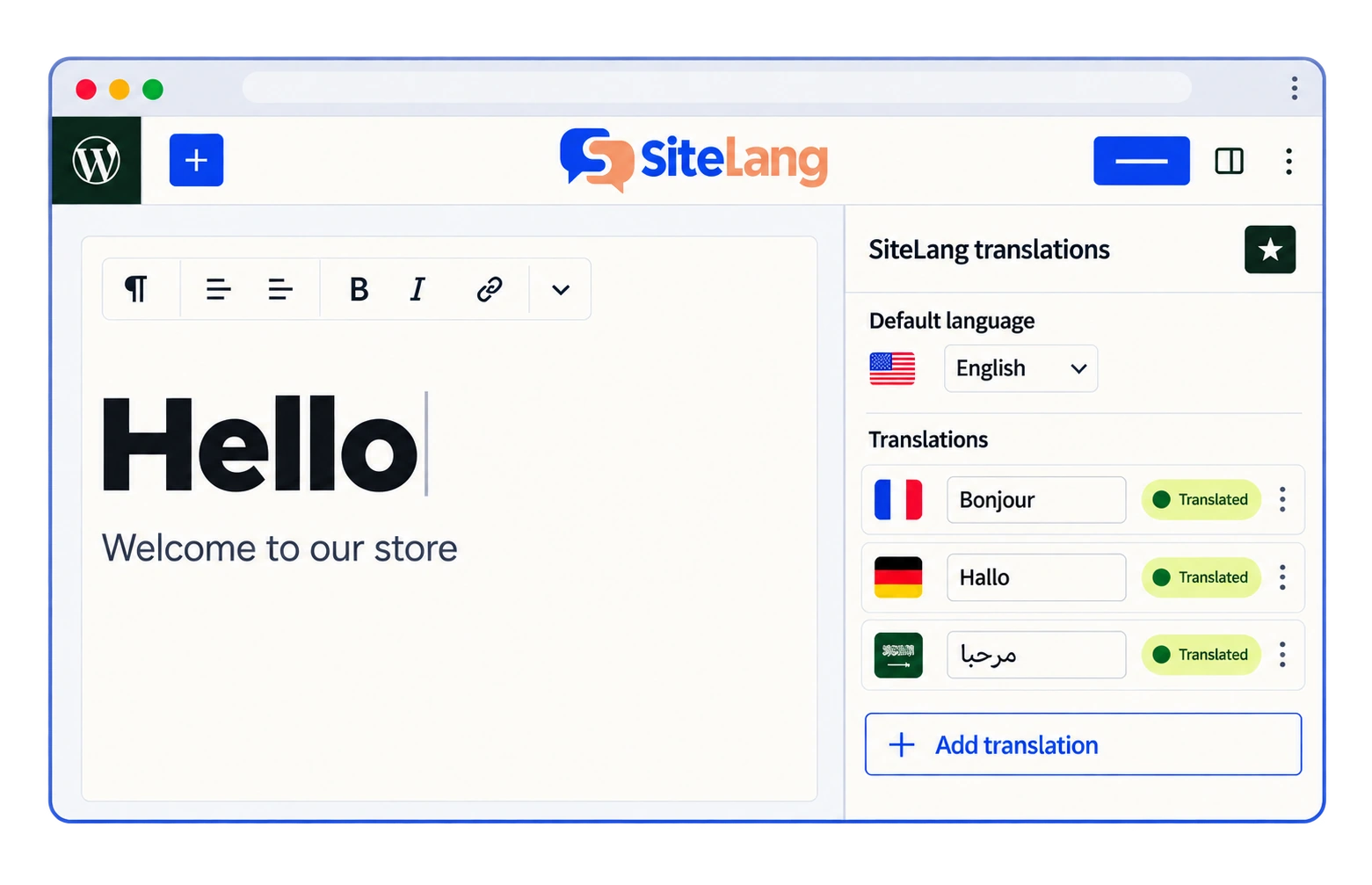
SiteLang is worth evaluating when you want to manage linked translations inside WordPress and keep local tools separate from managed AI access. Its public documentation describes local translation records and optional paid AI service access. That distinction matters when planning an editorial process that should remain usable without an active automation allowance.
Evaluate it with a small but realistic sample: a standard page, a longer article, a supported builder page, and a product if you run WooCommerce. Check both the translated content and its public URL. Use the public source repository to inspect integration details where your project requires technical review.
The important limitation is scope: do not infer that every custom widget, extension string, remote payment interface, or special product type is covered. Make a list of the exact integrations your site uses and validate them. Start with the WordPress translation walkthrough if you need a practical first-page workflow.
WPML: evaluate the tier your site actually requires
WPML offers distinct account levels rather than one identical product at three prices. For a content site using a page builder or a shop using WooCommerce, examine the CMS or Agency feature set. The entry Blog license should not be treated as the price of a complete ecommerce translation stack.
Its official feature matrix distinguishes advanced editing, translation management, string translation, builder compatibility, and ecommerce support. This makes it a sensible candidate when several people and content systems need a coordinated workflow. Test the integration for your particular extension set rather than relying on the broad category name.
Budget both the plugin license and any translation consumption beyond what the selected account includes. A team should also decide who can submit content, who reviews it, and how updated source pages re-enter the workflow. More controls are useful when they replace real coordination work; they add little value if your site needs only a few manually maintained pages.
TranslatePress: a visual editing workflow
TranslatePress is a natural candidate if the editor wants to select visible text on the page rather than locate that text through a collection of backend records. The free plugin and paid plans should be assessed separately. Read its plugin documentation alongside the premium plan table.
Give the visual editor a difficult test page, not just a heading and paragraph. Include a form, interactive component, reusable template, and a product selection if relevant. Confirm that your reviewer can find the required text and that the translated page remains comfortable on a small screen.
Check the paid features you need for additional languages, metadata, slugs, or editorial permissions. Personal’s annual bill is different from a month-to-month subscription, even if the price is expressed as a monthly equivalent. The right choice depends on the publishing workflow you will use repeatedly.
Polylang: compare the core plugin and store add-on
Polylang offers a free core and paid products with different responsibilities. Its WordPress listing is a starting point for evaluating a manual publishing approach. A merchant should also inspect Polylang for WooCommerce rather than assume that the core plugin alone supplies the complete store workflow.
The vendor’s comparison separates translation of ordinary content from ecommerce-specific functionality. Its pricing page also describes a DeepL integration with a customer-supplied API key on the relevant paid product. That introduces a separate provider relationship and potential usage expense.
Check page-builder support at the integration level. A plugin’s ability to translate pages does not establish support for every builder’s stored data, global template system, or AI editing route. Ask the reviewer to edit the same representative page used for the other shortlisted tools.
Hosted services: Weglot and GTranslate
Weglot offers a hosted translation workflow with editing controls. When assessing it, count the translated content across all target languages against the selected plan. A published word limit is not necessarily a fresh allowance that resets every month. Confirm how translated slugs, additional languages, traffic, and AI operations affect the chosen package.
GTranslate also deserves evaluation where a visitor-facing translation route or hosted paid setup fits the project. Inspect its current product and pricing page for the exact package. Test the actual language URLs and editing access of the tier you intend to use; do not carry assumptions from a free widget into a paid comparison.
For either service, ask practical ownership questions before importing your editorial work. Where are manual corrections stored? Can they be exported in a useful format? What remains visible when the subscription ends? How are embedded forms and externally hosted checkout interfaces handled? Request documented answers instead of treating convenience and ownership as the same feature.
Loco Translate solves a different kind of problem
Loco Translate is relevant when the task is a software string: a theme label, plugin message, or localizable interface phrase. It is not a replacement for a full multilingual content architecture with linked posts, translated product pages, and language navigation.
Identify the source of the text before choosing the tool. Editing a product description, changing a saved shipping-method name, and translating a gettext string are three different jobs. Using the right layer prevents a common disappointment: successfully translating one checkout label while the rest of the store still has no target-language content.
Use a requirements worksheet instead of a star rating
Before asking which option is best, write a short acceptance worksheet. Give each requirement an owner and a way to observe success. “Works with my theme” is too broad to test. “The French product page uses the correct header, displays every variation, and reaches a successful test checkout” is specific enough to evaluate.
Separate capability from convenience. A tool might handle a field through a documented manual route rather than detect it automatically. That can be acceptable for a five-page site and impractical for a catalog updated every day. Record the frequency of the task alongside whether it can be completed.
Use three result states: demonstrated, not demonstrated, and not required. Do not turn an untested integration into a failure or a marketing claim. If your team cannot verify an essential behavior, keep it as an open question and ask the provider for evidence using your example.
Consider a hypothetical local business with eight pages and one additional language. Its owner might value clear manual editing and predictable ownership more than bulk automation. A different business publishing fifty new products a week may need queue visibility and an explicit review process. The same price table can produce different sensible choices because the operating work is different.
Ownership also needs a practical definition. Ask whether you can access the translated content, recover manual corrections, restore the site from a backup, and continue serving visitors under the product’s documented cancellation rules. “Export available” is not sufficient until you know the format and how it will be used.
Finally, compare the next year, not only the first day. List the source changes you expect: new pages, revised prices, changed product specifications, or a new target language. Follow one of those changes through each candidate’s editor. A sustainable translation plugin makes the repeated work understandable to the person who will actually maintain it.
Run a comparison that reflects your actual site
Use the same short test brief for every candidate. Record what you tried, what passed, and what remained uncertain. Separate a supported feature that needs configuration from a genuine integration gap. This is more informative than an arbitrary star score.
- Translate a representative page and inspect its published URL while logged out.
- Review headings, metadata, links, images, and reusable content.
- Navigate through the language switcher from a page deep in the site.
- For a shop, select a variation and complete a test-mode checkout.
- Change a source sentence and inspect the update workflow.
- Ask how manual edits, exports, service cancellation, and support are handled.
Estimate reviewer time alongside software cost. A less expensive license can be a poor fit if every correction requires a developer. Conversely, an extensive team platform may be unnecessary for an owner who maintains a handful of pages.
If you already use WPML, read the WPML alternatives guide before making a replacement plan. A comparison does not prove that existing translations can be imported automatically. For new projects, compare the shortlist with a small sample and choose the workflow your team can maintain.
Good questions. Clear answers.
Which is the best free WordPress translation plugin?
There is no universal winner. Compare the specific free features against your languages, content types, public language URLs, and editing needs. SiteLang and Polylang offer local starting points; TranslatePress offers a different visual workflow.
Can I use a translation plugin with WooCommerce?
Several plugins provide store translation capabilities, but coverage differs. Verify products, variations, cart, checkout, account pages, and the particular extensions you use.
Does an AI allowance remove the need for review?
No. Review meaning, terminology, product facts, placeholders, and important purchase information. The most useful automation is a repeatable process with a clear approval step.
Will a translation plugin improve my search rankings?
It can provide part of the multilingual publishing infrastructure. Rankings still depend on useful content, technical accessibility, search demand, competition, and the quality of each language version.
Sources & further reading
Sources checked 25 October 2026. Document-based guidance; your installation and integrations require their own tests.