
SiteLang Guide
WooCommerce Multilingual Guide: Translate Your Store Step by Step
A more local storefront
Plan the entire shopping journey—from the first product search to checkout, account pages, and order messages.
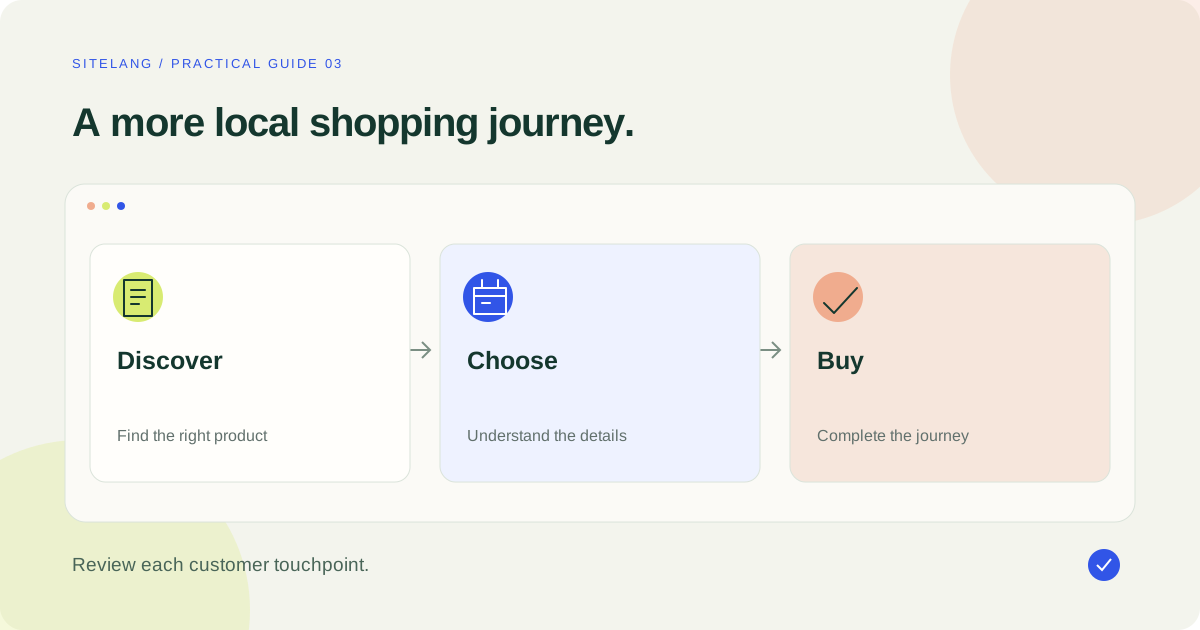
A multilingual WooCommerce store needs more than translated descriptions. Map the complete shopping journey, translate supported content, configure language navigation, and test products, variations, cart, checkout, and order communications separately. Language, currency, and market availability are distinct settings.
- Translate a complete buying journey before expanding the catalog.
- Separate product content from interface strings and payment-provider text.
- Use a test matrix for product types, languages, devices, and checkout methods.
Begin with the customer journey, not the plugin settings
A WooCommerce multilingual project is successful when someone can find the right product, understand the offer, and complete an order in a language they know. Translating a product title is one step in that journey. It does not prove that shipping choices, validation messages, emails, or the payment provider will use the same language.
Imagine a shop adding French to an English catalog. A visitor might arrive on a translated category page, select a product option, apply a coupon, choose a shipping method, and open a hosted payment screen. Each transition is a potential language boundary. Write down those transitions before deciding that the store is ready.
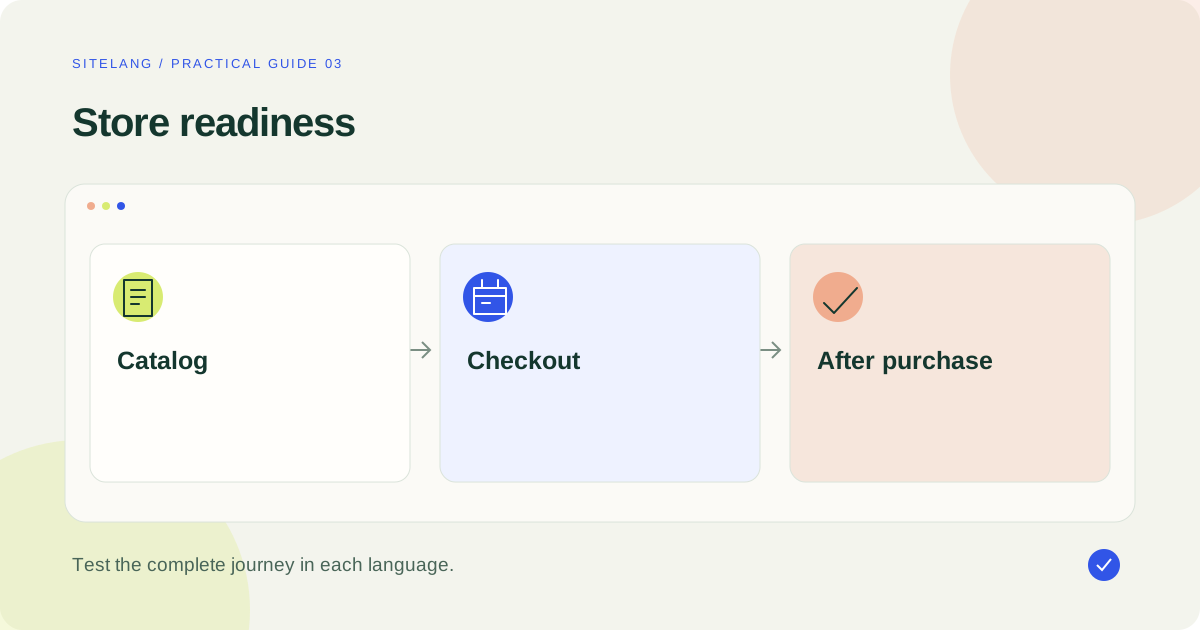
Use the following touchpoints as testing requirements. They are not a claim that every translation plugin covers every item automatically. Coverage depends on your theme, checkout type, product extensions, and the translation integration you select.
| Touchpoint | Content to inspect | Typical owner |
|---|---|---|
| Discovery | Categories, search, filters, product cards | Theme, catalog, search extension |
| Product detail | Descriptions, options, specifications, availability | Product records and extensions |
| Cart | Item labels, discounts, notices, shipping estimates | WooCommerce and cart extensions |
| Checkout | Labels, errors, delivery/payment methods | Checkout implementation and gateways |
| After purchase | Confirmation, emails, downloads, account pages | WooCommerce, email tools, fulfillment systems |
Prepare the store and define the first release
Back up the store and create a staging environment that cannot accidentally send customer emails or collect live payments. Use the payment provider’s documented sandbox or test mode. Keep existing inventory, tax, shipping, and order behavior under review while introducing language changes.
List your installed product and checkout extensions. Include subscriptions, bookings, downloadable products, custom fields, bundles, payment gateways, and any third-party search or filter system. A successful test on one simple product does not establish support for all these variations.
Choose a small first release with a clear audience: perhaps one category, its supporting information, and a tested purchase journey. Translate the pages a buyer needs to make that decision. If your store cannot serve a market, translating its language does not make shipping or payment available there.
Assign responsibilities for source copy, translation review, merchandising, and checkout testing. One person may fill several roles, but the tasks should remain explicit. Record what must be checked again when a source price statement, return instruction, or delivery promise changes.
Keep language, currency, and destination separate
A French-speaking shopper may live in several countries and pay in different currencies. A language selector should not silently rewrite the shipping address or imply that every product is available in every market. Decide which settings follow a visitor’s preference and which require a separate choice.
Currency conversion, taxes, payment eligibility, and shipping zones are store configuration concerns. A translation plugin is not automatically a multicurrency or tax calculation system. Even if a product combines several capabilities, verify each one rather than treating the word “multilingual” as a complete international-commerce specification.
Review language-sensitive formatting and meaning: decimal separators, measurement units, date wording, and size terminology. Preserve the underlying product facts. If a measurement is converted for convenience, verify the calculation and keep the original specification where that helps the buyer.
Choose an approach that fits the catalog
Evaluate the translation workflow against actual content. For each candidate, ask whether it supports your product types, editorial review, metadata, variations, and language-specific URLs. Include cancellation and export questions if you expect to retain extensive manual corrections.
For SiteLang, the public release distinguishes local translation tools from optional managed AI access. The inspected source includes product translation and review workflows. This is a reason to test a representative product, not evidence that every extension is covered.
Use the same acceptance brief when evaluating alternatives. A store with a small catalog may prefer manual review of every field. A larger catalog may need batch selection and job monitoring. A team may need additional coordination features. The translation-plugin comparison helps establish a shortlist without assuming one workflow is right for every merchant.
Create and review a first product translation
In the inspected SiteLang release, a practical starting route is SiteLang → Languages, followed by SiteLang → Translations. Configure and save the languages, select a target language, choose Products, and locate a representative source product. Create a manual draft or use an eligible managed AI action if that service is connected.
Review the translated title, short description, and main content. Check attributes, product images, categories, and any associated downloads or extension data through the tools that own them. Do not publish a product solely because the translation job finished. SiteLang’s documented product workflow leaves translated products as drafts for review.
Inspect the public product after approval. For a variable product, choose each meaningful option and verify that the selection still represents the same sellable item. Compare stock, SKU ownership, prices, tax behavior, and any download entitlement against your intended store model.
For a larger batch, use the bulk product translation guide. It covers a pilot sample, stable product identity, queue review, and repeatable catalog checks.
Translate navigation and reusable merchandising
A localized product is difficult to find if its category, menu, or search result remains disconnected. Review product taxonomy labels and the pages they lead to. Test filters using translated labels and real combinations of attributes, including a result with no matching products.
Inspect header and footer templates, promotional banners, store notices, and reusable product blocks. A banner stating free delivery should be accurate for the intended market, not merely translated word for word. Keep promotion dates and restrictions synchronized across languages.
Images can require editorial localization too. Preserve accurate product photography, but replace text-heavy promotional graphics where the target language needs different wording. Check captions and alternative text in context. A translated alt attribute does not localize the visible text embedded in a graphic.
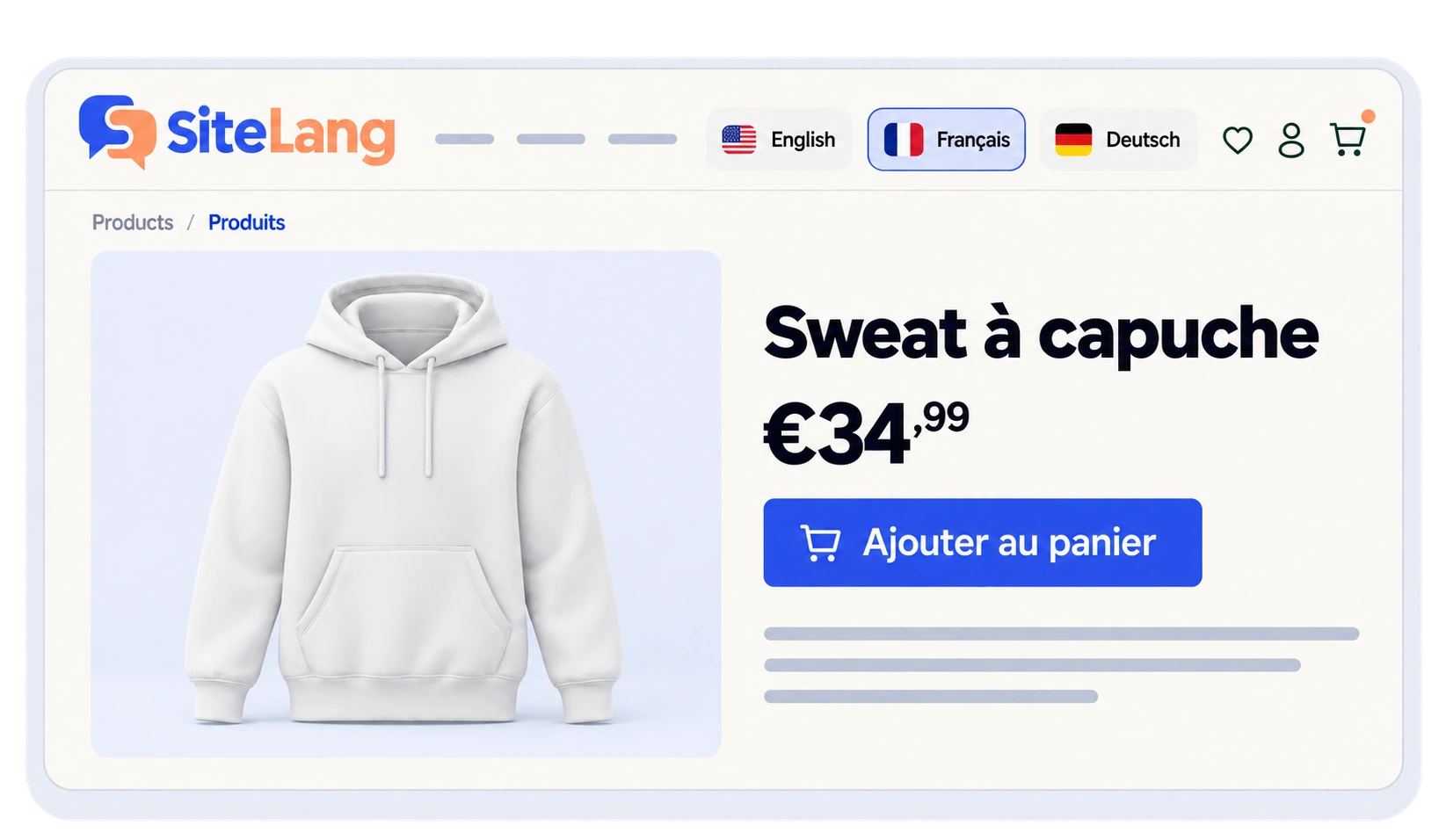
Place an accessible language control where shoppers can find it. Test the product-to-product language equivalent and the return to the original language. Use the switcher placement guide for practical header and mobile checks.
Handle software strings and checkout at the correct layer
WooCommerce’s localization documentation explains language packs and software translation. Your authored product copy is a separate layer. Some strings are saved settings; others come from a theme, extension, or dynamically rendered checkout component.
Classify an untranslated message before changing it. Is it a core interface phrase? A custom shipping-method title? A payment gateway’s saved description? A field registered by a checkout extension? Or a remote payment window controlled by a provider? The correct fix depends on that ownership.
Identify whether the store uses Classic Checkout or the Checkout Block. A customization written for one does not establish that it works in the other. Do not install a broad text-replacement snippet as a substitute for understanding the source.
Use the checkout translation troubleshooting guide for a diagnostic sequence. Consult the official extension-translation guidance and the gateway’s own locale documentation for components outside the product editor.
Treat emails, accounts, and downloads as separate tests
A translated order confirmation page does not prove that the customer email uses the same language. Trigger a safe test order, inspect the actual message, and check the links it contains. If an external email system sends the message, review that integration independently.
Test account creation, password recovery, order history, downloadable-file access, and subscription management where relevant. Record what happens when a customer changes language after signing in or returns using an old order link.
Keep credentials and customer details out of screenshots. Use fictional data in test environments, and prevent test emails from reaching real customers. When evaluating a translated download, verify the file itself rather than relying on a translated link label.
Check product SEO without losing editorial quality
Language-specific product titles and descriptions should match how customers understand and search for the item. Adapt awkward literal wording where necessary, while preserving factual details and brand terminology. A native reviewer can identify a misleading product term that a technically valid translation misses.
Verify the published URL, metadata, language relationships, and eligible sitemap inclusion. Inspect structured product information if your stack generates it. Technical output should describe the product and language actually visible to the visitor.
Follow the multilingual SEO audit for canonical and hreflang checks. Avoid creating additional public product duplicates through a generic import unless you understand how they link to the original catalog. The standard WooCommerce CSV tool is not automatically a translation-mapping importer.
Plan the release sequence and the first week of support
A store release is easier to coordinate when content publication and customer operations have a shared sequence. Finish the pilot review first. Then publish the necessary supporting pages and taxonomy/navigation content before directing visitors to the translated product category. Check actual discovery paths after publication, because a page can exist without being reachable from the store.
Keep the release small enough that someone can inspect it. For example, publish a reviewed category whose products share the same ordinary purchase route, rather than combining subscriptions, bookings, downloads, and physical goods in the first test. Add special product types only after their own acceptance cases pass.
Prepare customer support for the new language. Support staff should know which products and pages are available, how a visitor can switch language, and where to find the approved source of delivery or access information. A translated marketing page does not imply that every support channel can operate fluently in that language.
Review the first incoming questions for evidence of confusion. If several customers misunderstand a term or cannot find the intended option, inspect the wording and navigation before adding more translated pages. Keep the correction in your terminology or maintenance notes so the same problem does not spread to the next category.
Keep operational changes out of an uncontrolled language rollout. A redesign, gateway replacement, and inventory migration performed at the same time make failures harder to attribute. If another major change is necessary, give it separate test cases and a clear deployment plan.
During the first week, sample the live experience using the same product/language/device matrix. Check especially the deep links shared by customers, order emails, out-of-stock products, and interrupted payments. Record actual issues and fix their source. Expanding a multilingual store should be an evidence-led continuation of a reliable release, not a race to maximize the number of language flags.
Launch with a test matrix and a maintenance owner
Record actual results rather than relying on a general “tested” label. A useful matrix varies language, device, product type, and payment method. Include a simple product, a variable product, and any special type central to your business.
| Scenario | Acceptance check | Initial status |
|---|---|---|
| Category → product | Correct labels, links, and language | Not tested |
| Variation → cart | Correct item, option, quantity, and price | Not tested |
| Invalid checkout input | Understandable labels and error messages | Not tested |
| Test-mode order | Correct payment, confirmation, and email | Not tested |
| Account or download | Correct access and appropriate language | Not tested |
After launch, assign translation review to product updates and seasonal promotions. Monitor customer reports, broken links, missing catalog entries, and language inconsistencies. Expand only when the existing multilingual journey is maintainable.
Explore SiteLang’s current product information if a WordPress-based workflow fits your requirements. Validate the exact store integrations before choosing an AI allowance or a migration plan.
Good questions. Clear answers.
Does multilingual WooCommerce mean multicurrency?
No. Language, currency, tax calculation, shipping eligibility, and payment availability are separate concerns. Test the combination your store intends to offer.
Should every product be translated before launch?
A coherent pilot category can be a better first release. Ensure that navigation and search do not present incomplete language versions as ready to buy.
Will translating products also translate emails?
Do not assume so. Email output may be controlled by WooCommerce, an extension, or an external system. Verify actual messages using safe test orders.
What is the most important prelaunch test?
Follow the whole journey with a representative product: discovery, selection, cart, checkout, confirmation, and post-purchase access. Record the outcome for each target language.
Sources & further reading
Sources checked 25 October 2026. Document-based guidance; your installation and integrations require their own tests.