
SiteLang Guide
Multilingual SEO for WordPress: Hreflang, URLs and Sitemaps Explained
Built for discovery
Give each language a clear URL, accurate page signals, and a practical audit process—without confusing translation with rankings.
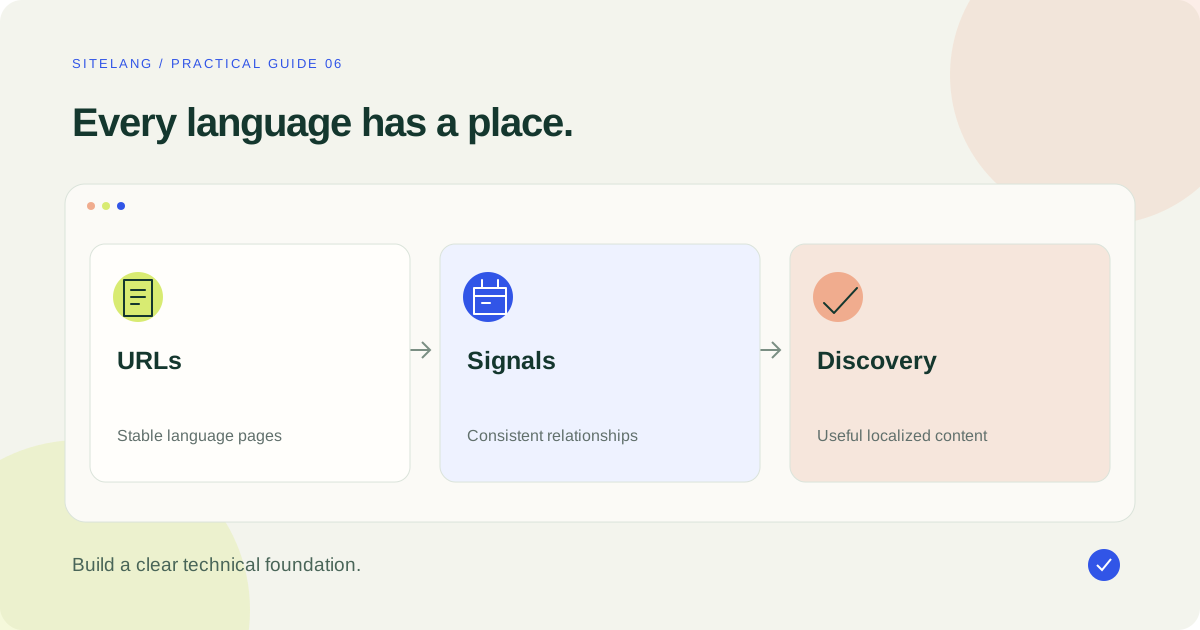
Multilingual SEO for WordPress starts with useful localized content at accessible language-specific URLs. Check links, titles, canonical choices, language relationships, and sitemap output together. Hreflang helps describe equivalents; it is not a redirect, a translation tool, or a ranking guarantee.
- Give published language versions stable, discoverable URLs.
- Keep canonical and hreflang relationships consistent.
- Audit the rendered output instead of assuming a plugin setting proves correctness.
Separate translation, localization, and search visibility
Multilingual SEO for WordPress connects the content you publish with the audiences who search in each language. Translation changes wording. Localization adapts the content to the reader’s context. Technical SEO helps a search engine discover and understand the published versions. These jobs overlap, but none replaces the others.
A perfectly formed language tag cannot rescue an inaccurate product description. Equally, an excellent translation is difficult to discover if its URL is blocked, unlinked, or available only through a visitor preference that a crawler never uses.
Start with the query and page purpose in each language. Ask a knowledgeable reviewer how customers describe the problem or product locally. A literal translation of an English keyword may have a different meaning or be less natural than the phrase your audience uses.
This guide uses hypothetical URLs on example.com to explain technical relationships. They are examples, not SiteLang pages, live test results, or instructions to publish duplicate content under those addresses.
Choose a URL structure you can operate consistently
Your language architecture should fit the project’s hosting, editorial ownership, and long-term maintenance. Subdirectories can keep language content within one site structure. Subdomains or separate domains may serve different organizational or regional requirements. Do not choose solely because a vendor claims one format always ranks better.
| Structure | Illustrative French URL | Planning question |
|---|---|---|
| Subdirectory | https://example.com/fr/services/ | Can the site maintain language routing and equivalents cleanly? |
| Subdomain | https://fr.example.com/services/ | Who manages hosting, deployment, and language signals? |
| Separate domain | https://example.fr/services/ | Is a distinct regional presence worth the operational work? |
Use stable addresses that can be opened directly. Do not rely only on a cookie or browser setting to reveal the target-language text. Google’s multilingual-site documentation discusses language-specific URLs and access to different versions.
Plan changes carefully if the site already has translated URLs. Record existing paths and map replacements before launching a new structure. A redesign is not a reason to break all older language links.
Make each language page useful on its own
A translated page should make sense to someone who lands directly from a search result. Give it a clear title, relevant introduction, natural headings, and navigation that belongs to the same language experience. Translate the information needed to complete the page’s task, not only its menu labels.
Review the search title and meta description as editorial copy. They should accurately summarize the page and use natural wording. Avoid repeating a keyword in every heading or stuffing translated variants into alternative text.
Adapt internal links where published equivalents exist. An article about delivery should send the reader to the appropriate delivery information, not silently return them to the source language at the first important click. If an equivalent is unavailable, make the destination understandable rather than inventing a URL.
For a store, inspect product facts, local terminology, units, and market-specific availability. Translating a language does not automatically change currency, tax rules, or shipping eligibility. The WooCommerce guide separates those concerns.
Use hreflang to describe equivalent pages
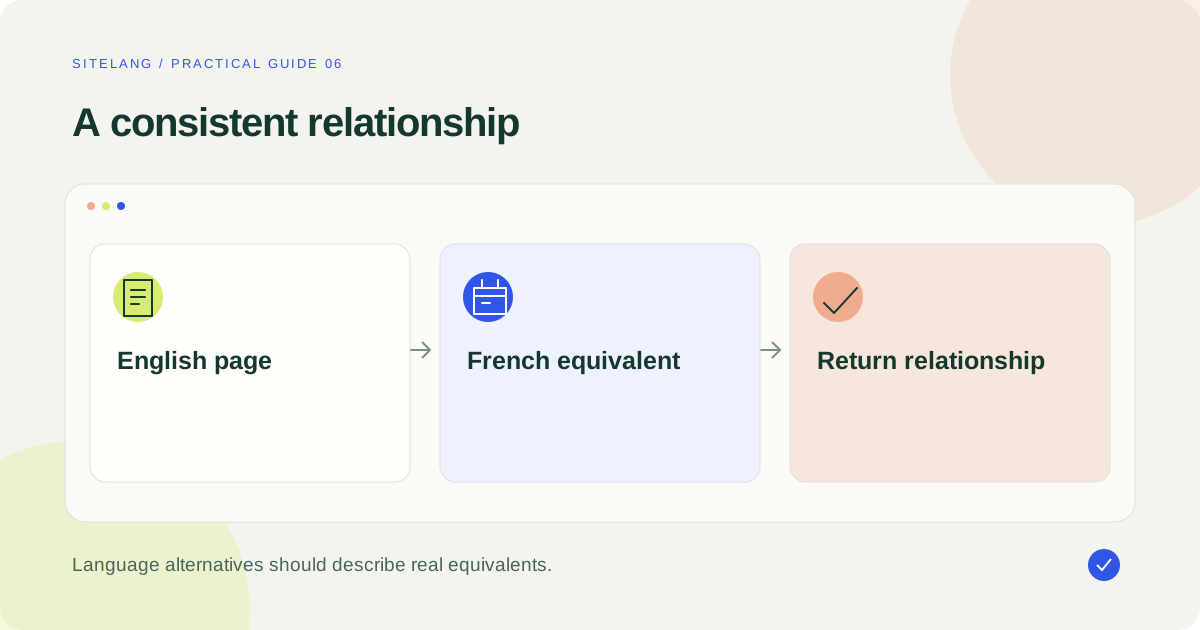
Hreflang identifies language or regional alternatives of the same content. Use the correct language code and, when appropriate, a supported regional qualifier. A language-only choice and a region-specific choice communicate different targeting intentions.
For an English services page and its French equivalent, the following illustrative set belongs in the head of both pages:
<link rel="alternate" hreflang="en"
      href="https://example.com/services/">
<link rel="alternate" hreflang="fr"
      href="https://example.com/fr/services/">
Each version lists itself and its counterpart. Use fully qualified URLs. Point only to real equivalents that are intended to be available; an untranslated category or unrelated homepage is not automatically an alternate for a specific article.
An x-default entry can identify an appropriate fallback when your implementation needs one. It is not mandatory decoration for every page and does not mean “the English language.” Decide what the fallback actually does before adding the tag.
The official localized-versions guidance describes HTML, HTTP-header, and sitemap methods. They are alternatives for conveying the relationship; adding all three does not substitute for maintaining accurate data. A reciprocal set with valid destinations matters more than the number of mechanisms installed.
Keep canonical choices consistent with the language
Canonicalization concerns preferred URLs for duplicate or very similar content. It is a different relationship from a language alternative. A fully translated French page should not automatically declare that only the English page is the preferred version.
For the hypothetical French services page, a same-language self-canonical would look like this when that is the intended preferred URL:
<link rel="canonical"
      href="https://example.com/fr/services/">
Inspect existing theme and SEO-plugin output before adding another canonical. Two systems can emit conflicting choices even if both settings screens appear reasonable. Align internal links and sitemap entries with the intended preferred addresses.
Regional pages in the same language can require a more nuanced duplicate-content decision. Follow Google’s canonicalization guidance for that situation rather than applying a universal “everything to English” rule.
A canonical is a signal, not a guarantee that a search engine will select your preference. Check what is actually selected through the appropriate search diagnostics after publication.
Use sitemaps as a clear inventory
A sitemap is useful for listing the URLs you intend search engines to discover. Keep it aligned with the published language pages. Drafts, removed pages, and broken addresses should not be treated as completed language releases.
If you use a sitemap to communicate language alternatives, keep the same relationship consistent for every listed version. The following is an illustrative XML pattern for the two example pages:
<urlset xmlns="http://www.sitemaps.org/schemas/sitemap/0.9"
        xmlns:xhtml="http://www.w3.org/1999/xhtml">
  <url>
    <loc>https://example.com/services/</loc>
    <xhtml:link rel="alternate" hreflang="en"
      href="https://example.com/services/"/>
    <xhtml:link rel="alternate" hreflang="fr"
      href="https://example.com/fr/services/"/>
  </url>
  <url>
    <loc>https://example.com/fr/services/</loc>
    <xhtml:link rel="alternate" hreflang="en"
      href="https://example.com/services/"/>
    <xhtml:link rel="alternate" hreflang="fr"
      href="https://example.com/fr/services/"/>
  </url>
</urlset>
Use the mechanism your site supports. The example does not instruct you to paste XML into a WordPress article body or claim that every plugin emits this exact file. Inspect the sitemap your actual stack generates and verify how language relationships are provided.
Audit the actual WordPress output
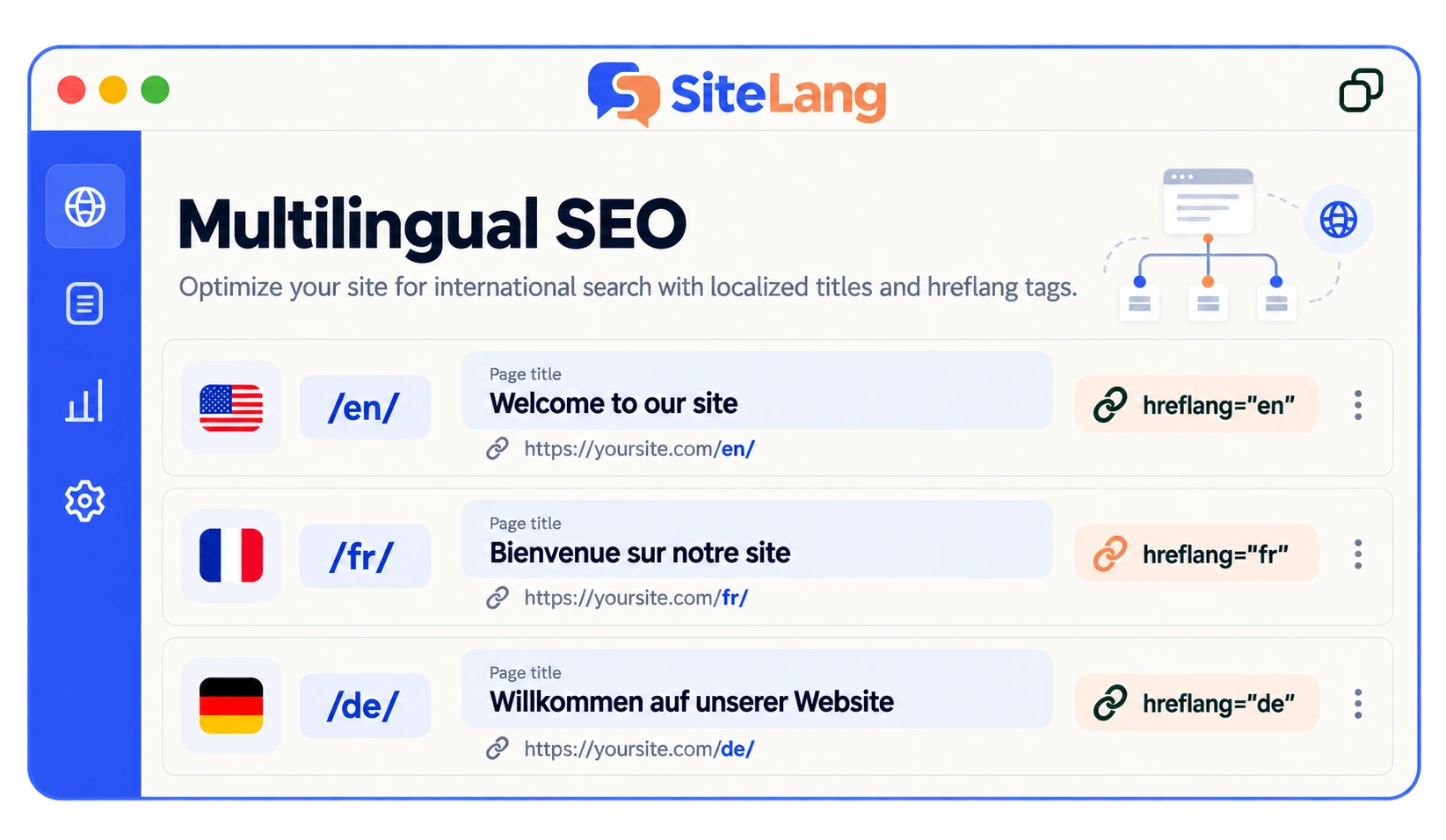
In the inspected SiteLang source, the SEO module adds language-alternate output for singular content and a canonical route for translations, while sitemap handling has its own eligibility logic. That makes the public page and actual sitemap the relevant things to inspect—not a general feature badge.
Use SiteLang’s available diagnostics and your existing SEO tools to find the published output. Avoid enabling multiple unrelated systems to generate the same tags without understanding their interaction. A theme, SEO plugin, multilingual plugin, and custom snippet can all affect the head.
Open a page as a logged-out visitor, inspect its source, and follow the referenced URLs. Check status codes, visible language, canonical choices, and whether a target is still a draft. For dynamic websites, compare the source response and rendered result where necessary.
The WordPress setup guide covers creating linked translations. The technical checks here begin after those content relationships are established.
Find the cause of common multilingual SEO failures
| Symptom | Possible cause | Verification |
|---|---|---|
| Target URL is not discoverable | Missing links, blocked access, noindex, unpublished page | Open the URL, inspect directives, follow internal paths |
| Wrong language alternate | Incorrect mapping or copied URL | Compare page purpose and content in both directions |
| Canonical points to source language | Conflicting output or a broad duplicate rule | Inspect every canonical-generating component |
| Language tags are ignored | Invalid codes, absent return relationship, invalid destination | Validate the full alternate set |
| Visitors cannot choose another version | Forced redirect or unusable navigation | Test direct URLs and a manual selector |
Keep cookie preferences and cache behavior in the diagnosis. A source-language response cached under a target-language URL creates a content problem that cannot be solved by changing a meta description.
When comparing search performance, separate indexing, impressions, clicks, and conversions. A newly published translation can be accessible and technically sound without immediately attracting substantial search traffic.
Work through a small, concrete audit
Suppose a hypothetical English services page and a fully translated French equivalent are both published, but the French page is difficult to find. Begin with direct access: open its intended URL while logged out and confirm the response and visible content. If it redirects to English, investigate the routing or redirect rule before rewriting metadata.
Next, follow a normal internal path to the French page. If the page is absent from navigation and all language choices lead to the homepage, fix the human discovery path. A sitemap can be useful, but it should not become an excuse to leave an important customer page disconnected.
Inspect the French page’s canonical output. If one component points to French and another to English, identify the conflicting generators and establish a single intended result. Avoid solving the conflict by adding a third canonical tag in a content widget.
Then compare the alternate-language set on the two pages. Check the language codes, full destination URLs, page equivalence, and return relationship. If the target is still a draft or does not serve the expected content, correct the underlying content state rather than keeping an attractive but inaccurate tag.
Finally, inspect the relevant sitemap and the indexing diagnostics after the corrected release. Record what was wrong and what changed. The outcome may be a technically clearer page without an immediate ranking change; that is still a meaningful correction.
Keep editorial review in the same audit. If the French page uses an unnatural term for the service, ask a reviewer to research the audience’s wording. Technical accessibility and useful localized content should reinforce one another. Neither a valid XML file nor a repeated keyword phrase is a substitute for an understandable page that answers the visitor’s actual question.
Use a repeatable launch and maintenance checklist
- Confirm one intended public URL for each ready language page.
- Open it directly while logged out and read the main content.
- Check page purpose, translation accuracy, and local terminology.
- Review title, description, headings, and important image text.
- Verify links to published equivalents and related pages.
- Inspect canonical output for conflicts and language consistency.
- Validate alternate codes, URLs, and return relationships.
- Check sitemap inclusion for eligible published URLs.
- Check robots rules, noindex directives, redirects, and HTTP status.
- Test language selection and avoid trapping people behind assumptions.
- Review mobile layouts, forms, and ecommerce actions where applicable.
- Monitor published pages using search diagnostics and fix specific issues.
Re-run the relevant checks after changing language architecture, SEO integrations, or templates. Keep a record of source changes so translations do not become technically discoverable but editorially outdated.
Use the language-switcher guide to make the human navigation as clear as the technical relationships. A good multilingual release should be understandable to the visitor before it is considered complete by a checklist.
Good questions. Clear answers.
Is hreflang a ranking boost?
It describes localized alternatives. It is not a promise of higher rankings and does not replace useful content, accessible URLs, or a sound publishing process.
Should all translations canonicalize to the original?
Do not apply that blanket rule. Review the intended preferred page in the same language and the actual duplicate-content situation.
Do I need hreflang in both HTML and the sitemap?
Google supports several methods. Choose and maintain an appropriate implementation; duplicating every method is not inherently beneficial.
Can I publish translated content only through a cookie?
For a search-focused multilingual site, use accessible language-specific URLs. A visitor preference alone is an unreliable foundation for discovering all language versions.
Sources & further reading
Sources checked 25 October 2026. Document-based guidance; your installation and integrations require their own tests.