
SiteLang Guide
Best WPML Alternatives for WordPress and WooCommerce
Choose your next workflow
Compare alternatives by the reason you want to switch, then plan the content, URL, and store checks a safe migration needs.
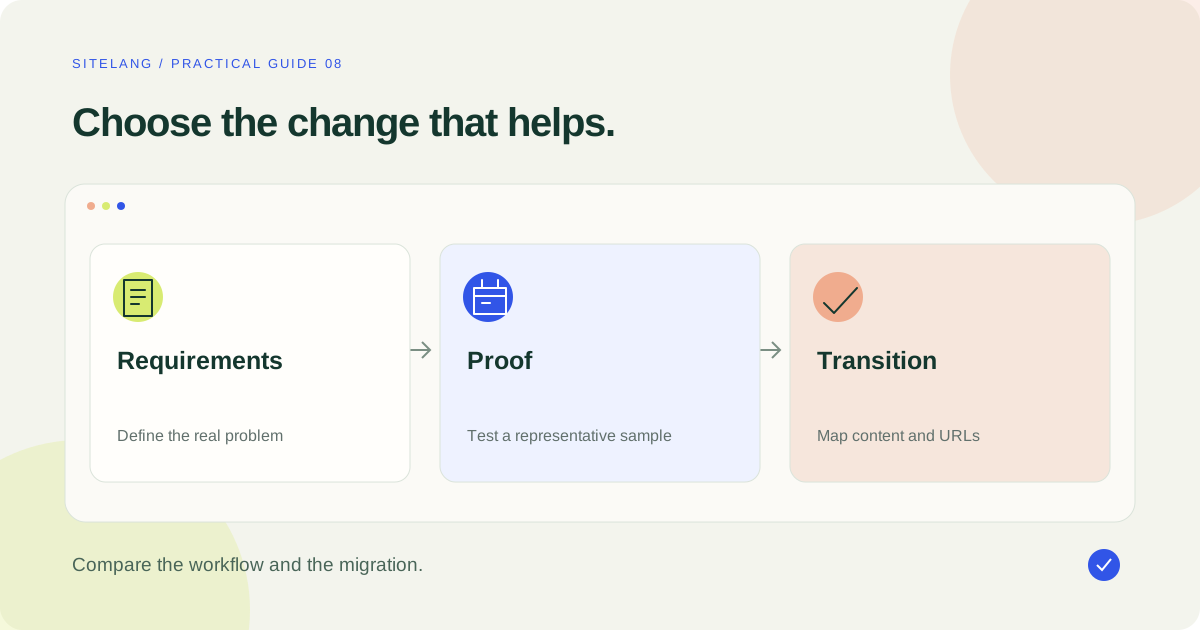
Good WPML alternatives depend on what you want to change: local editing, visual review, hosted automation, cost structure, or store support. Compare the replacement against your real content and plan migration separately. A similar feature list does not prove that existing translations import automatically.
- Define the problem before deciding to replace WPML.
- Assess local and hosted workflows on their own terms.
- Prove the migration and rollback on staging before changing the live site.
Decide whether switching solves the actual problem
Searching for WPML alternatives is reasonable when your editing process, budget, or integration requirements change. It does not mean the current plugin is unsuitable for every project. Identify the concrete problem first: a feature gap, difficult review workflow, unexpected usage cost, or a compatibility issue with a specific component.
If the problem is an untranslated custom widget, confirm which plugin or field owns it. If the problem is performance, measure the cause. Replacing a multilingual system is substantial work; it should solve a demonstrated issue rather than serve as a generic response to every site problem.
SiteLang publishes this guide. The comparisons use public vendor documentation and the inspected SiteLang release source, checked on 25 October 2026. They are not claims of a completed migration, independent benchmark, or universal superiority.
| Reason | What to evaluate | Evidence to collect |
|---|---|---|
| A simpler local process | SiteLang or Polylang | Editor tasks and supported content types |
| Visual page review | TranslatePress | Access to text in real rendered components |
| Hosted automation | Weglot or an appropriate paid GTranslate plan | Usage, service dependency, editing and export terms |
| Lower total expense | Every shortlisted product | License, add-ons, usage, review, and migration cost |
| One failing integration | Current setup and replacements | A reproducible test of that exact integration |
Record the capabilities you cannot lose
Inventory the existing multilingual site before comparing price cards. Include pages, posts, products, taxonomies, custom fields, menus, reusable templates, media, SEO metadata, and language routing. Record who edits each area and what has been manually corrected.
For a store, list special product types and extensions, variation behavior, translated slugs, cart and checkout type, transactional email tools, payment interfaces, and account flows. An alternative that translates ordinary paragraphs may still miss the component that made your original setup necessary.
Classify requirements as essential, useful, or optional. Use an actual sample for each essential category. An exported file that contains some text does not prove that product relationships, language mappings, or template conditions can be re-created automatically.
Keep the broader WordPress plugin comparison for the general market overview. This guide focuses on replacing an existing workflow and protecting continuity.
SiteLang: evaluate the local workflow and integration scope
SiteLang is a candidate when linked content management inside WordPress and separation from optional managed AI match your goals. Review its public plugin information and inspect the relevant integration in your test environment.
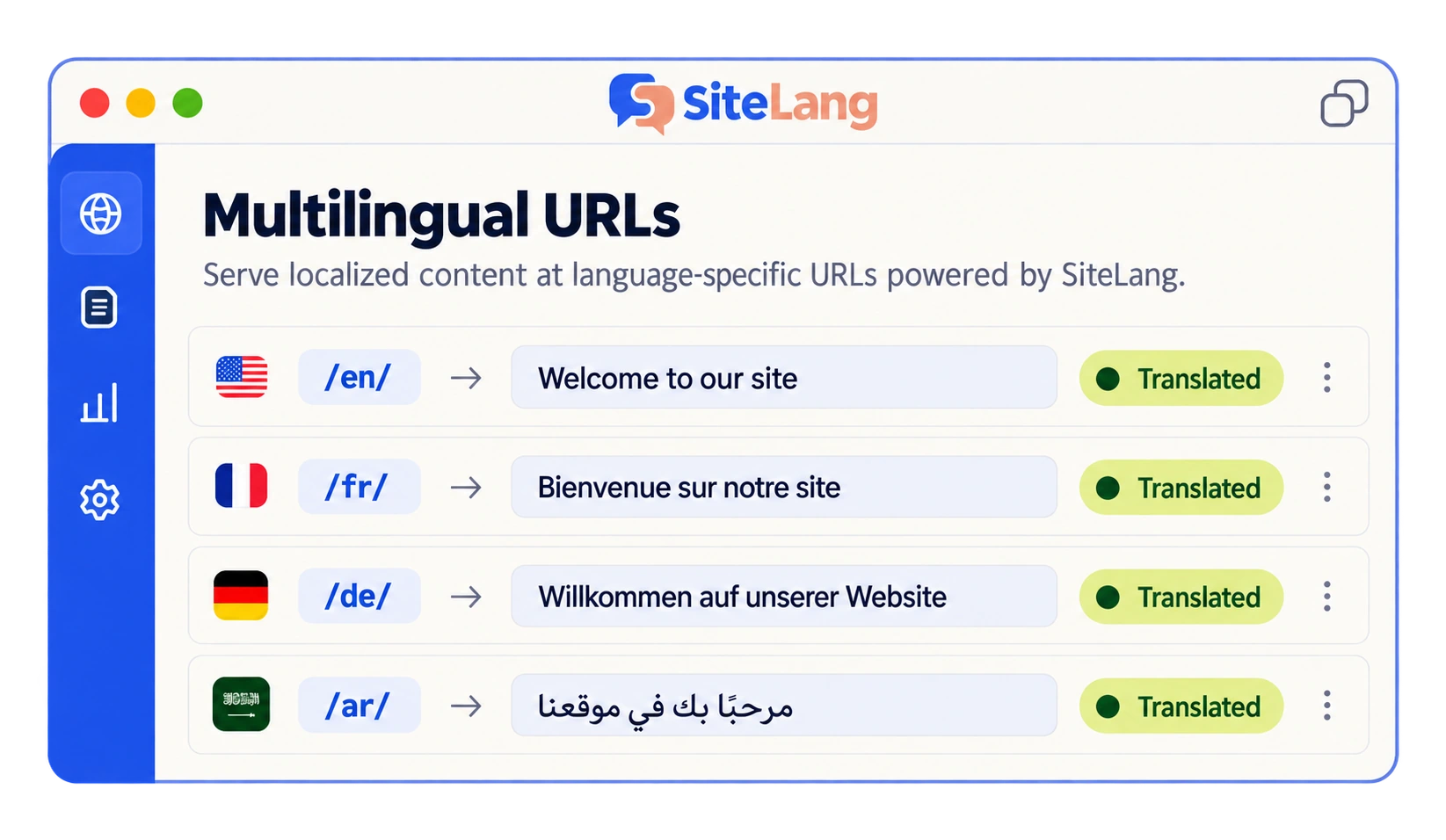
Compare the editor’s real tasks: creating a linked draft, reviewing text, previewing it, publishing it, and updating it later. Inspect the language URL and the way navigation resolves to equivalents. For WooCommerce or Elementor, use representative content rather than a plain page.
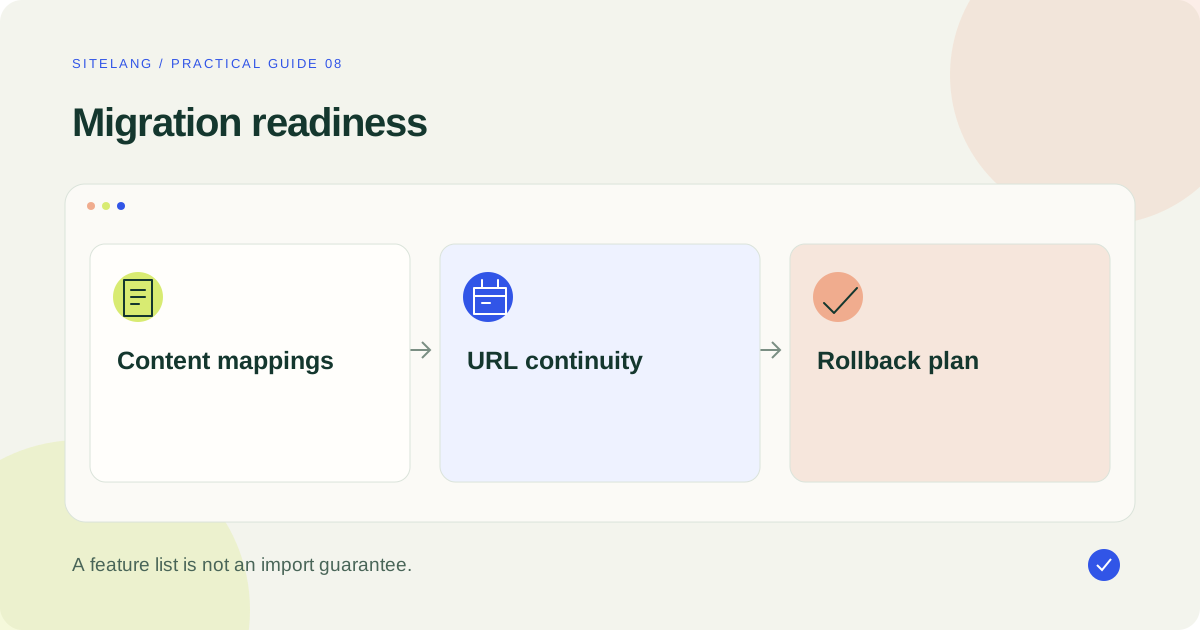
Do not assume that SiteLang can import your WPML history merely because it supports similar content types. This guide does not verify a general-purpose one-click WPML-to-SiteLang migration. A staging proof and an explicit content/URL mapping are required before treating it as a replacement.
Check the current managed-service catalog if AI access matters. Do not compare a historical SiteLang marketing price with current competitor plans.
TranslatePress: when visual editing is the goal
TranslatePress is worth evaluating if your main dissatisfaction is the distance between the visible page and the editing interface. Its visual workflow can be a useful fit for an editor who wants to inspect text in context.
Test difficult components: a reusable header, a form, dynamic content, and a product if relevant. Verify which premium features your project needs for additional languages, metadata, slugs, or user roles. The existence of a free plugin does not mean every replacement requirement is covered free.
The current pricing page lists Personal at €99 billed annually. Budget the actual annual amount and review renewal conditions. A visual workflow can reduce some editorial friction without automatically solving data migration or every extension integration.
Polylang: compare the manual model and store package
Polylang offers a free core plugin and paid products with different responsibilities. It is relevant when a WordPress-based manual publishing model fits the team. Review the content structure and editorial actions rather than assume the workflow will be identical to WPML.
For ecommerce, inspect the WooCommerce add-on and its compatibility requirements. The vendor’s pricing lists Pro and the WooCommerce add-on from €99 per year each, excluding VAT. The Business Pack price may include a promotion, so verify the final applicable package and renewal.
Automatic translation requirements need a separate check. The vendor describes an integration using a customer-supplied DeepL key on the relevant product, with limitations noted in its comparison. Confirm your language and builder workflow before planning it as a full replacement.
Weglot and GTranslate: assess the hosted relationship
Weglot may suit a team looking for a hosted translation and editing process. Evaluate how the plan counts translated content and languages, where corrections are managed, and which export or continuity routes are documented.
Its Starter reference is €15 monthly or €150 yearly excluding VAT, with a listed 10,000-word capacity and one translated language. Those constraints are part of the product comparison, not a general equivalent to a WordPress plugin license.
For GTranslate, distinguish the free widget route from the paid offering you intend to use. Confirm language-specific URLs, editing capabilities, and service terms through the official product page. Avoid inferring paid SEO behavior from the appearance of a free selector.
Ask both providers what happens if the service ends and how manual changes can be recovered in a usable form. A hosted workflow can simplify operations while introducing an external relationship that should be understood before moving extensive content.
Compare total cost rather than the first invoice
Use a 12-month estimate with clear assumptions. Include license renewal, extra sites, store add-ons, AI usage, professional review, developer work, and the migration itself. Compare the same catalog and target-language scope.
Keep one-time migration work separate from recurring expense. A cheaper recurring plan might still take time to justify if the current site has many manually refined translations and established language URLs.
WPML’s plan table differentiates its Blog, CMS, and Agency products. Compare your actual required tier, not the lowest visible price. If the existing setup meets your needs after configuration or workflow changes, staying can be a reasonable editorial and operational decision.
Prove migration on a staging copy
Take a recoverable backup and document the existing configuration before changing the test copy. Keep the live store’s customer operations untouched while examining alternatives. Prevent staging from sending real customer emails or accepting live payments.
- Export or record the existing content and language relationships using documented tools.
- Select a small sample covering essential content types.
- Establish how each source record and translation will map in the replacement.
- Validate supported import formats; do not assume a product CSV carries multilingual relationships.
- Disable conflicting full translation systems according to the migration plan rather than improvising parallel URL handlers.
- Re-create or import the sample, then inspect content, metadata, templates, navigation, and public URLs.
- Document how to restore the original setup if the proof fails.
Do not delete the original translation data merely to make a staging demonstration look clean. Preserve it until the replacement has been validated and an appropriate retention decision is made.
Map URLs and protect the customer journey
Create a source-to-destination list for important pages in every language. If URLs can remain stable, verify that they actually resolve correctly under the replacement. If they change, plan appropriate redirects to equivalent content rather than sending every old URL to a homepage.
Inspect canonical output, language alternatives, sitemaps, and internal links. Use Google’s canonicalization guidance and the multilingual SEO audit to check consistency. No migration method can promise that search rankings will remain unchanged.
For WooCommerce, test product identity and the purchase flow. Confirm that selecting a translated variation adds the expected item, that cart and checkout remain coherent, and that post-purchase access works. Use the multilingual store checklist to keep these tests visible.
After release, monitor broken links, missing language content, customer reports, and search diagnostics. Keep the rollback plan available until the new workflow has demonstrated reliable ordinary use.
Create a translation-and-URL mapping worksheet
A migration worksheet should describe relationships, not just a list of page titles. For each important source item, record its original record or identifier, language, current public URL, existing translated equivalents, and the intended destination under the new system. Include metadata and reusable templates where they affect the visible page.
Add a field for the evidence behind the migration route: a documented importer, a verified export format, a controlled manual re-creation, or a custom process that has actually been tested. “Similar feature available” is not migration evidence. Mark unresolved rows clearly rather than filling them with guessed destinations.
Prioritize the URLs people already use. These may include product pages, category landing pages, support answers, and links inside order emails. A small number of high-value entry points can deserve more careful testing than hundreds of low-use archive addresses.
For each changed URL, identify the genuinely equivalent destination. A blanket homepage redirect can conceal missing content during a superficial test while leaving visitors unable to complete their original task. Check that the destination is published and that it still answers the same purpose in the same language.
Keep a separate rollback column. Record which old records, plugin settings, URL rules, and backups are required to restore the previous behavior. For a live store, account for orders created after any backup; rolling back content configuration and rolling back an entire database are not identical operations.
Use the worksheet as an acceptance record during staging and after release. The decision to switch should become more concrete as uncertainties are resolved. If essential relationships still have no demonstrated path, delay the migration rather than treating a visually convincing homepage as proof that the entire multilingual system is ready.
Make the final decision with a readiness checklist
- The replacement addresses a defined problem.
- Every essential content type has a successful staging example.
- Manual corrections and language relationships have a recovery path.
- The URL plan covers established entry pages.
- Cart, checkout, emails, and accounts have been reviewed where relevant.
- The annual cost model includes usage and migration work.
- Editors understand the new update process.
- A rollback can restore the original experience.
If several items are unknown, continue the staging proof. A thoughtful shortlist should narrow uncertainty, not turn it into a marketing promise.
Explore SiteLang’s current information if its workflow fits your requirements, then validate it with your own content. Choose a replacement only when the evidence supports both the new editing process and the transition to it.
Good questions. Clear answers.
Is there a free WPML alternative?
There are free translation tools, but compare their actual scope with the WPML features your site uses. Ecommerce, advanced SEO, AI usage, and specialist integrations may change the total cost.
Can I import all WPML translations automatically?
Only rely on an importer documented for the exact source and destination systems and content types. This guide does not establish a universal one-click migration.
Will switching preserve SEO rankings?
No process can guarantee rankings. Maintain relevant content, URL continuity where possible, appropriate redirects where needed, and consistent language signals.
When should I stay with WPML?
Staying is reasonable when the current setup meets your requirements and the expected benefit of changing does not justify migration work or uncertainty.
Sources & further reading
Sources checked 25 October 2026. Document-based guidance; your installation and integrations require their own tests.