SiteLang Guide
How to Translate a WordPress Website into Multiple Languages
WordPress essentials
A practical route from one source page to a multilingual website you can review, publish, and maintain.
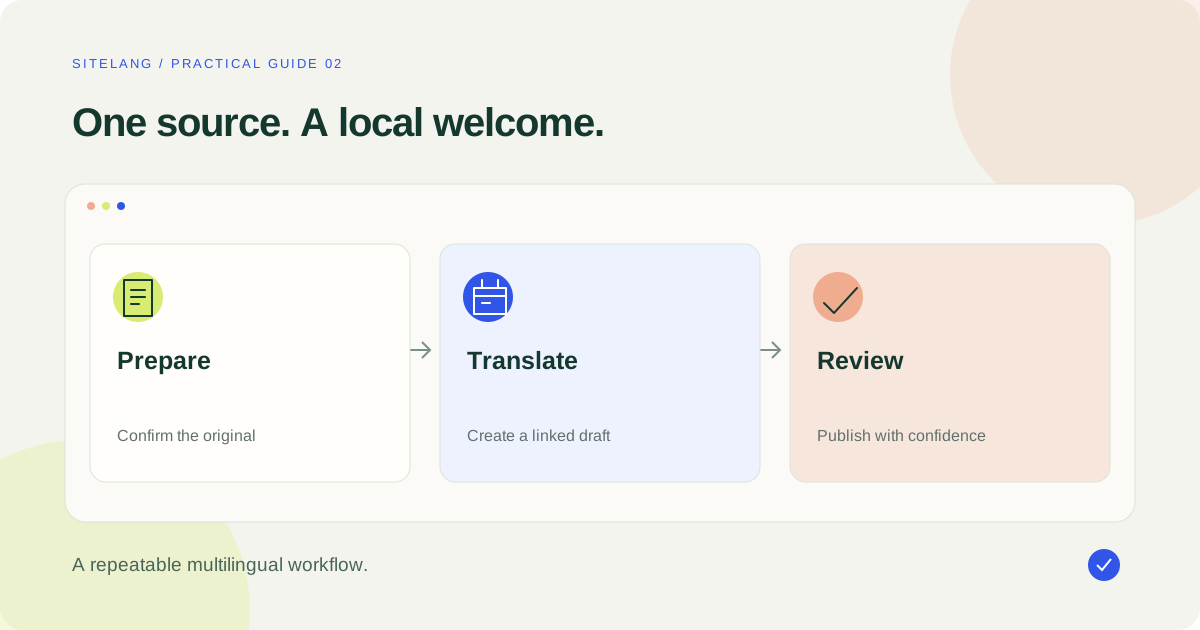
To translate a WordPress website, configure a source language and target languages, create linked translations, review the content, and publish usable language versions. Add language navigation and test the pages while logged out. Changing WordPress’s interface language is a separate task.
- Start with one target language and one representative page.
- Translate the content around the page as well as its main text.
- Keep review, URL checks, and future updates in the publishing process.
Decide what a multilingual website should achieve
If you are wondering how to translate a WordPress website, begin with the visitor’s task. Do they need to understand your services, contact your business, or buy a product? Translate the content that supports that task first. A carefully reviewed journey in one additional language is more useful than many incomplete language options.
For this guide, imagine a small English-language business adding French. The example is illustrative: a home page, a services page, contact information, and a contact form. It provides a manageable first release without assuming that every page needs to be translated immediately.
List the pages a French-speaking visitor would use, including confirmation messages and policy links. Assign a source owner and a language reviewer. Decide how quickly translated pages should be updated after an important source change. These decisions will shape the workflow more than the appearance of the language button.
Separate interface language from translated content
WordPress can display its own interface and available software language packs in another language. In WordPress’s language guidance, the Site Language setting is part of this configuration. It does not automatically turn an English services page into a complete French version of that page.
There are three related but different tasks. Software localization supplies interface strings. Content translation creates another language version of your pages and posts. A browser translation feature changes what an individual visitor sees in their own browser. The last option does not by itself establish your site’s editorial ownership or published multilingual URL structure.
| Task | Example | What to configure |
|---|---|---|
| Software language | An admin button or standard plugin message | Locale and available language packs |
| Content translation | Your service description in French | A multilingual content workflow |
| Visitor navigation | A link between equivalent language pages | A language switcher and valid destinations |
Keep this distinction in your troubleshooting notes. It explains why translating the page title may leave a form error unchanged, and why changing an admin preference does not translate your original writing.
Prepare a safe first translation
Make a current backup of the database and site files, then use a staging copy when changing language architecture or replacing an existing plugin. Confirm that you can restore the backup. A backup that has never been tested is an uncertain recovery plan.
Choose the original language carefully. Record the URLs of your important source pages before making changes. If another multilingual plugin is already in use, investigate migration rather than adding a second full translation system and hoping their URL rules will cooperate.
Select one ordinary page and one page with a more demanding component, such as a form or reusable block. Prepare the target-language text or arrange a reviewer before opening the editor. Keep email addresses, product identifiers, placeholders, and URLs on a protected list where they must remain unchanged.
Finally, decide what visitors should see when a translation is not ready. A draft should not be advertised as a complete published page. Your language navigation should match your release plan, rather than promise a target-language equivalent for every source page on day one.
Choose manual translation, AI assistance, or a hybrid
Manual translation is appropriate when you have a reviewer and a manageable amount of content. AI assistance can help with first drafts or larger volumes, but you still need to check meaning, terminology, and page behavior. Professional review is especially valuable for high-impact product, purchase, or specialist content.
For our example business, draft the home and services pages, then ask one reviewer to check the terms used across both. Review the call-to-action text separately: a grammatically correct phrase may still be a poor invitation to contact the business. Update a short shared terminology list as choices are approved.
A hybrid workflow is often practical: prepare the source carefully, generate or write a draft, review it, and publish deliberately. Keep the same source and target page relationships regardless of who produces the first draft. See the AI translation guide for a transparent way to estimate usage and organize review.
Create your first SiteLang translation
The sequence below follows the public SiteLang release documentation and inspected version 1.1.8 source. It is a documented walkthrough, not a claim that it was executed on your installation. Interface details may differ after a later release.
- Install the plugin. Find SiteLang through the WordPress plugin directory, or upload its official ZIP through Plugins → Add New Plugin → Upload Plugin. Activate it.
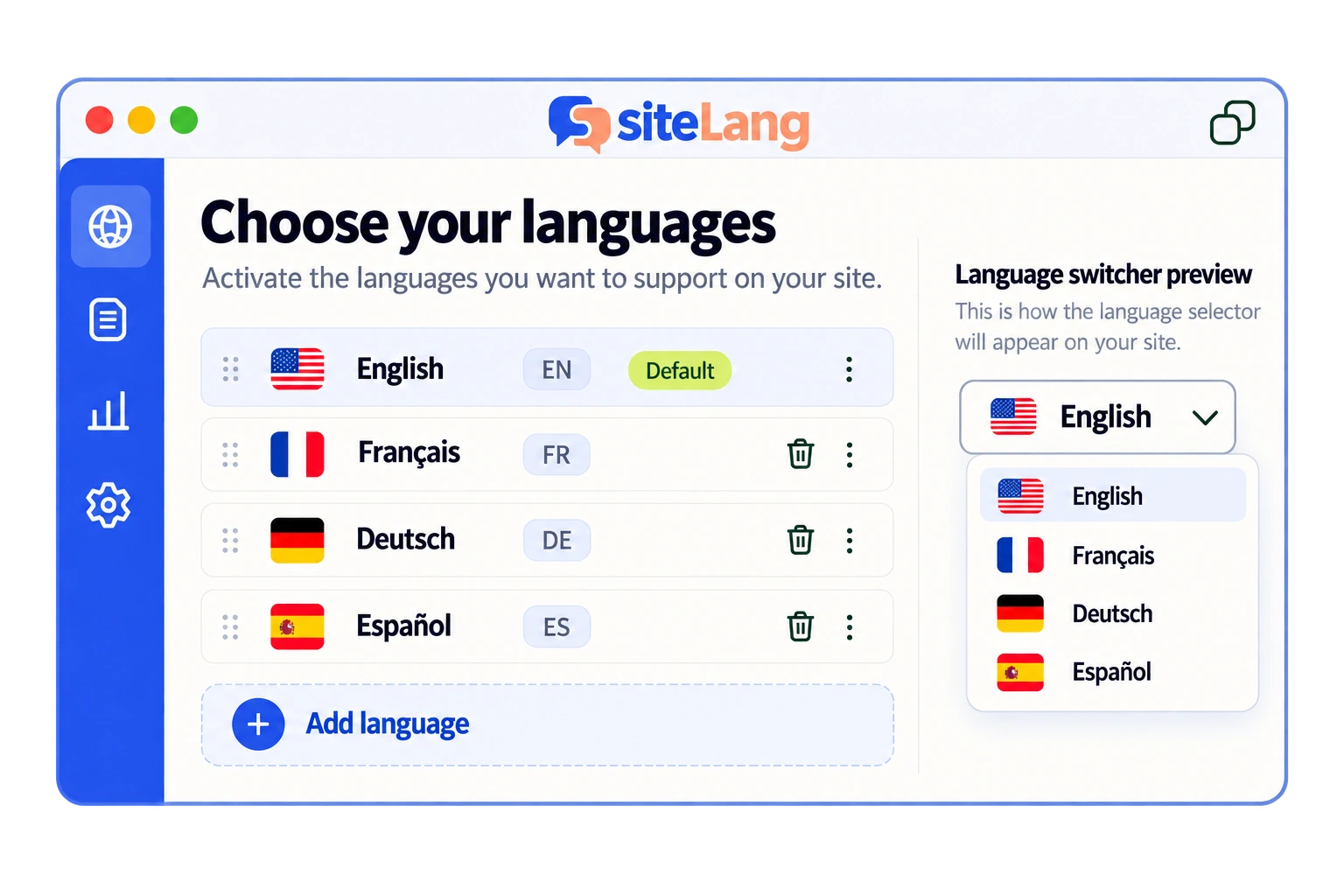
- Configure languages. Open SiteLang → Languages, select the original language, add your target language, check its label and locale, and save.
- Open the translation workspace. Go to SiteLang → Translations, choose the target language, and continue.
- Choose the content. Select the appropriate content type, locate the source page, and create a manual translation draft.
- Edit and review. Fill the available translated fields. Use Save draft while working and Save and preview to inspect the result.
- Publish deliberately. When the page is approved, use Publish translation, then open its public language URL.
Local translation does not require connecting to managed AI. If you want managed AI, use the documented License connection flow and review the service disclosure before submitting content. Do not put a provider secret into an unrelated field or assume that an account connection is required for manual work.
For installation procedures outside SiteLang, consult WordPress’s plugin-management documentation. Work through any compatibility warning in your test environment before proceeding.
Translate the content surrounding the page
The main text is only one part of the experience. Open the page as a visitor and list everything around it: navigation, header, footer, buttons, cookie preferences, search, form labels, validation messages, and the success message after submission. Identify the component that owns each text string.
Translate reusable content through the correct template or content record rather than making independent copies of the same sentence wherever it appears. If a shared footer contains business hours, establish who updates every language when those hours change.
Images may also need attention. Translate meaningful text within an image by creating an appropriate localized asset; changing the alt text does not change text burned into the pixels. Retain the original file and keep a clear record of which language uses which asset. Alt text should explain an image’s purpose in context, not repeat a keyword list.
If a builder stores its content separately, use the supported editing route for that builder. The Elementor translation guide covers reusable templates and layout checks. For a store, use the WooCommerce multilingual guide to inventory the full customer journey.
Connect visitors to the right language page
Place language navigation where visitors can find it before they need to understand a long page. A header control is a common choice; a footer alternative can help on longer pages. Test the mobile header independently because desktop space often disappears on smaller screens.
A good link sends a visitor from the current source page to its equivalent, not arbitrarily back to another-language homepage. Check the behavior on deep pages and decide how unpublished equivalents are handled. Avoid inventing a translation merely to keep the switcher visually symmetrical.
SiteLang documents shortcode, block, and Elementor placement routes. Use the route appropriate to the theme and builder you actually have. The language-switcher tutorial includes placement and accessibility checks, including native language labels and keyboard operation.
Give each published version a clear technical foundation
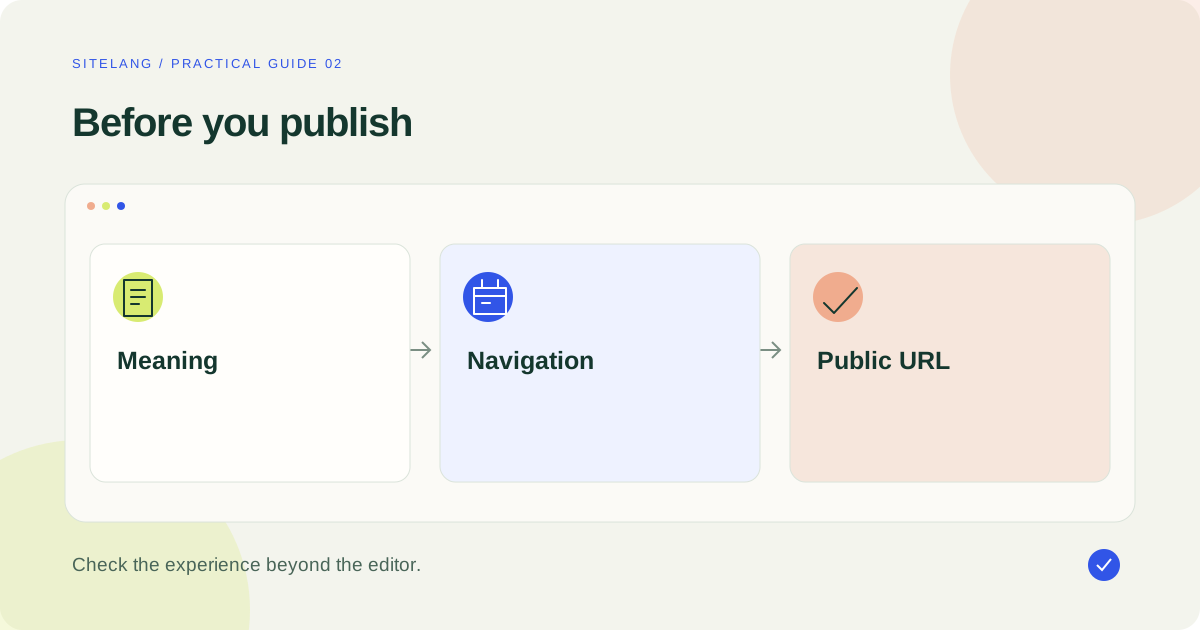
Inspect the actual published URL after saving a translation. Do not infer the result solely from an editor preview. Open the page in a logged-out session and check that its main text, title, links, and navigation belong to the intended language.
Google’s multilingual-site guidance recommends distinct URLs for language versions. Your implementation should let visitors and crawlers reach those versions consistently. A cookie preference can improve navigation, but it should not be the only way the content exists.
Review the page title, meta description, canonical output, language relationships, and sitemap eligibility through your publishing setup. These checks support discovery; they do not guarantee that a translated page will rank. Use the multilingual SEO checklist for a focused technical audit rather than adding several overlapping SEO outputs without checking the result.
Work through one page from draft to acceptance
For the example English/French business, choose the services page as the first complete test. Start by asking the source owner to confirm the service description, geographical coverage, contact method, and availability. Translate a confirmed source rather than refining a French draft of information that is already outdated.
Prepare the visible page title and the main call to action together. A button meaning “Request a quote” should lead to the correct contact process, and that process should explain what the visitor can expect next. Check the form’s confirmation instead of ending the review at the button.
Give the reviewer a compact brief: intended audience, preferred terminology, tone, protected names, and facts that must remain unchanged. Ask them to flag uncertain source meaning rather than invent a more confident translation. Record any source correction so it can be applied to the English page too.
After publication, open the French URL directly on a phone, read the page, submit a safe test enquiry, and return through the language selector. Keep the result as the first accepted example for future pages. This creates a repeatable standard instead of ten slightly different interpretations of what “translated” means.
Test, publish, and keep translations current
Run a complete small-site test before promoting the new language. Read the page on desktop and a narrow phone screen. Follow navigation and inline links. Submit the contact form with valid and invalid input, then inspect the messages. Confirm that a visitor can return to the original language without losing their location.
- The correct language appears at the correct public URL.
- Buttons, navigation, and forms make sense to a native reader.
- Important contact and purchase information is consistent.
- Long headings and labels do not overlap or become clipped.
- No draft page is presented as a finished destination.
- Cached pages do not show another visitor’s language state.
After publication, make translation review part of ordinary editing. For each significant source change, record which translations need an update and who will check them. Start with the pages that explain availability, price, delivery, contact information, or key product facts.
You can then expand the same process to another language or content category. Preserve the disciplined sequence: prepare the source, create a linked draft, review it, publish the version, and test its path through the website.
Good questions. Clear answers.
Does changing Site Language translate my pages?
It configures WordPress’s language and available software translations. Your original posts, pages, and product copy still need a content-translation workflow.
Do I need to translate every page at once?
No. Start with a coherent visitor journey and publish reviewed versions. Make the language navigation reflect which equivalents are actually available.
Can I translate WordPress without AI?
Yes. Manual translation is a valid workflow. SiteLang’s documented local tools can be used without connecting to its managed AI service.
What should I check after changing the source page?
Review affected translations, shared templates, metadata, and important links. Prioritize changes that alter the meaning or a visitor’s decision.
Sources & further reading
Sources checked 25 October 2026. Document-based guidance; your installation and integrations require their own tests.